How To Track Employee Training in Excel Without Expensive Software
You want to train your team. You really do. You care about your people and you know training matters. But every time you look around, you get flooded with software options, demos, subscriptions, and tools that promise to fix everything. Before you know it, you are overwhelmed, frustrated, and right back where you started. No training system at all.
The good news is you do not need expensive software to build a strong, repeatable employee training system. You can do it with Excel or any simple spreadsheet. By the end of this guide, you will know what to train, when to train it, how to train it, and how to track it in a clear and practical way.
Believe it or not, spreadsheets really can change lives.
Start With Purpose Before You Start Training
Before you build a spreadsheet, you need clarity. Training without purpose leads to confusion and burnout. When working with business owners, everything comes back to four foundational cornerstones: Purpose, People, Process, and Profit.
This system focuses primarily on purpose and people.
Take a few minutes with a blank sheet of paper and answer one question honestly. Why is training important in your business?
Once you know the answer, repeat it often. Share it with your team in a predictable and meaningful way. Training works best when everyone understands the why behind it.
Lead Well.
If you're looking for more resources to work ON your business, we have them.
Step One: List All of Your Training
The first practical step is listing out everything your team needs to be trained on. This is where most businesses skip ahead too fast. Slow down and get it out of your head and onto paper.
Create a spreadsheet and build what is called a Master Process Roadmap.
Across the top, label four columns:
- Marketing
- Sales
- Operations
- Administration and Accounting
Set a timer for five minutes per column and brain dump every process you can think of under each one.
Marketing might include your website, social media, lead outreach, or architect follow-up if you are in construction. Sales could include estimating, bid follow-up, and lead follow-up. Operations might include permits, design processes, job walks, or production steps. Administration and accounting could include invoicing, payables, receivables, and insurance certificates.
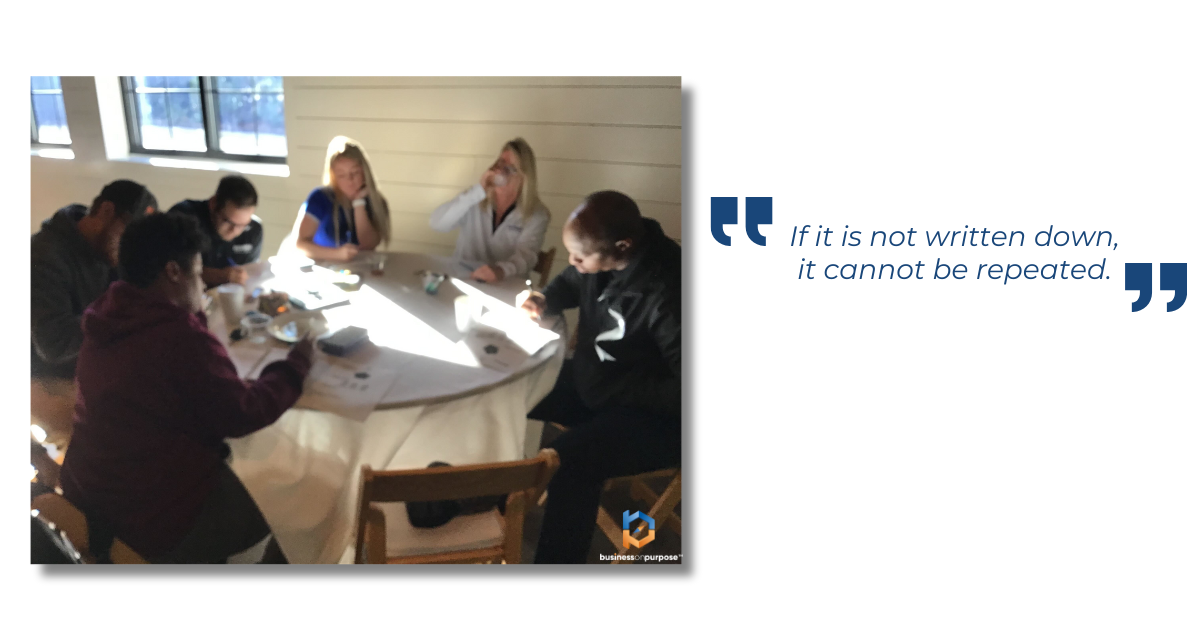
If it is not written down, it cannot be repeated. Repetition, predictability, and meaning are what create confidence for your team and consistency for your clients.
Once you finish, pause and notice how you feel. Most people experience relief and overwhelm at the same time. That is normal. You are not trying to train everything today. You are simply building the list.
Step Two: Map Training Across the Year
Now that everything is listed, it is time to map it out. Create a second spreadsheet tab called The Anchor.
Across the top, list the weeks of the year from week one through week fifty two. Down the left side, list high level training categories such as marketing training, sales training, operations training, and administrative training. Keep it simple. Four to six total rows is enough.
Each week, add a short note inside the cell describing what will be trained that week. For example, marketing training might be website updates or lead outreach processes. Sales training might focus on estimating or follow-up systems.
Think of this like a Gantt chart for training. You already listed everything in the Master Process Roadmap. Now you are simply assigning it to a week.
This does not lock you into a rigid plan. It gives you direction and visibility. Like a climber’s anchor, everything ties back to one central point so progress stays intentional.
Step Three: Build Accountability Into the System
Accountability is where most training systems fall apart. Knowing what to do is easy. Doing it consistently is the hard part.
There are two simple tools that solve this.
First, use a team meeting agenda. Keep it one hour, agenda driven, and leader led. Publish the agenda ahead of time and include a standing line item to review The Anchor. This creates space every week to talk about training instead of hoping it happens.
Second, build Job Role Scorecards. Each role in your business should be created around the real gaps you need filled, not a generic job description from the internet. Once you have that role clearly defined, use AI to break it into daily, weekly, monthly, quarterly, and annual tasks. Paste that into a spreadsheet.
Now each team member knows exactly what success looks like. Training connects directly to their responsibilities, not vague expectations.
When you combine the Master Process Roadmap, The Anchor, a team meeting agenda, and Job Role Scorecards, training becomes part of how your business runs, not an extra task you forget about.
Why This Works Without Expensive Software
This system works because it is simple. It does not require learning new platforms, paying monthly fees, or using features you will never touch. It runs on Excel or any spreadsheet tool you already have.
If you think this will take forever, it will not. Block two focused hours this week. Turn off email. Build the framework exactly as outlined. Momentum comes after clarity.
One of the most powerful benefits of this approach is onboarding. When new employees join your team, they step into a system built on repetition, predictability, and meaning. That alone can transform retention and performance.
Ready To Build Your Training System?
If you are serious about training your team without chaos, start today. Open a spreadsheet. Build your Master Process Roadmap. Create your Anchor. Add accountability.
And if you want to go deeper, watch the training on how to build a complete training and development program and how to train a new employee the right way. Take action now and lead your business with clarity.
Set aside two hours this week. Build your spreadsheet. Commit to training that actually sticks.
Scott Beebe is the founder of Business On Purpose (mybusinessonpurpose.com) and speaker for the AEC industry and author of the book Let Your Business Burn: Stop Putting Out Fires, Discover Purpose, and Build a Business That Matters. Business On Purpose works with business owners to articulate purpose, people, process, and profit to liberate owners from chaos and make time for what matters most.